Getting Started
Requirements
Agent Session Manager is a GTK4 app. You'll need:
- Python ≥ 3.10
- GTK 4, libadwaita ≥ 1.5, VTE (the GTK 4 build), and PyGObject
- At least one supported agent's CLI on your
PATH— theclaudeCLI and/orcursor-agent
Install the system libraries with your distro's package manager:
sudo apt install python3-gi gir1.2-gtk-4.0 gir1.2-adw-1 gir1.2-vte-3.91sudo dnf install python3-gobject gtk4 libadwaita vte291-gtk4sudo pacman -S python-gobject gtk4 libadwaita vte4Install
Arch Linux — AUR
Available on the AUR as agent-session-manager:
yay -S agent-session-manager # or: paru -S agent-session-managerUbuntu — PPA
sudo add-apt-repository ppa:matemiller992/agent-session-manager
sudo apt update
sudo apt install agent-session-manager
Debian / Ubuntu — .deb
Or grab the latest .deb from the releases page and install it — dependencies are pulled in automatically:
sudo apt install ./agent-session-manager_*_all.debEither way it appears in your app grid as Agent Session Manager.
PyPI — pipx
Published as agent-session-manager-gtk. The GTK/VTE bindings come from your system, so install with system site packages (and make sure the requirements above are present):
pipx install --system-site-packages agent-session-manager-gtkThe installed command is agent-session-manager.
From source
git clone https://github.com/r4nd3l/agent-session-manager.git
cd agent-session-manager
python3 -m claude_session_manager
To add a desktop launcher and icon for your user:
./data/install.shFirst run
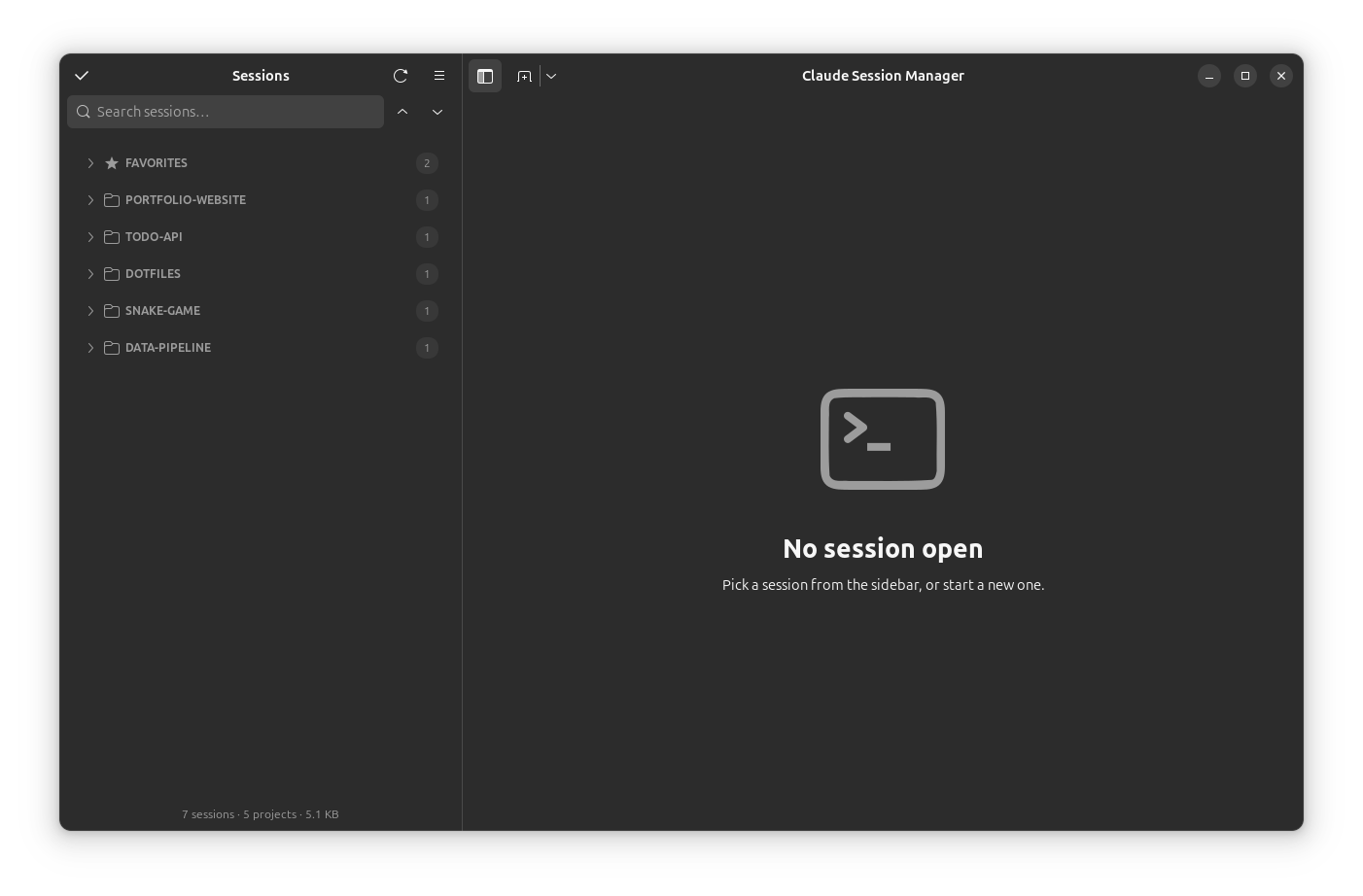
On first launch the sidebar lists every session found on disk (for Claude Code, under ~/.claude/projects/), with all groups collapsed. Expand a project, click a session, and it opens in a terminal tab that resumes it. If you haven't used a supported agent yet, run claude in a project once and the session will show up automatically.