What is Agent Session Manager?
Agent Session Manager is a native Linux desktop app that gives your AI coding-agent sessions a proper home. It supports Claude Code and Cursor, side by side.
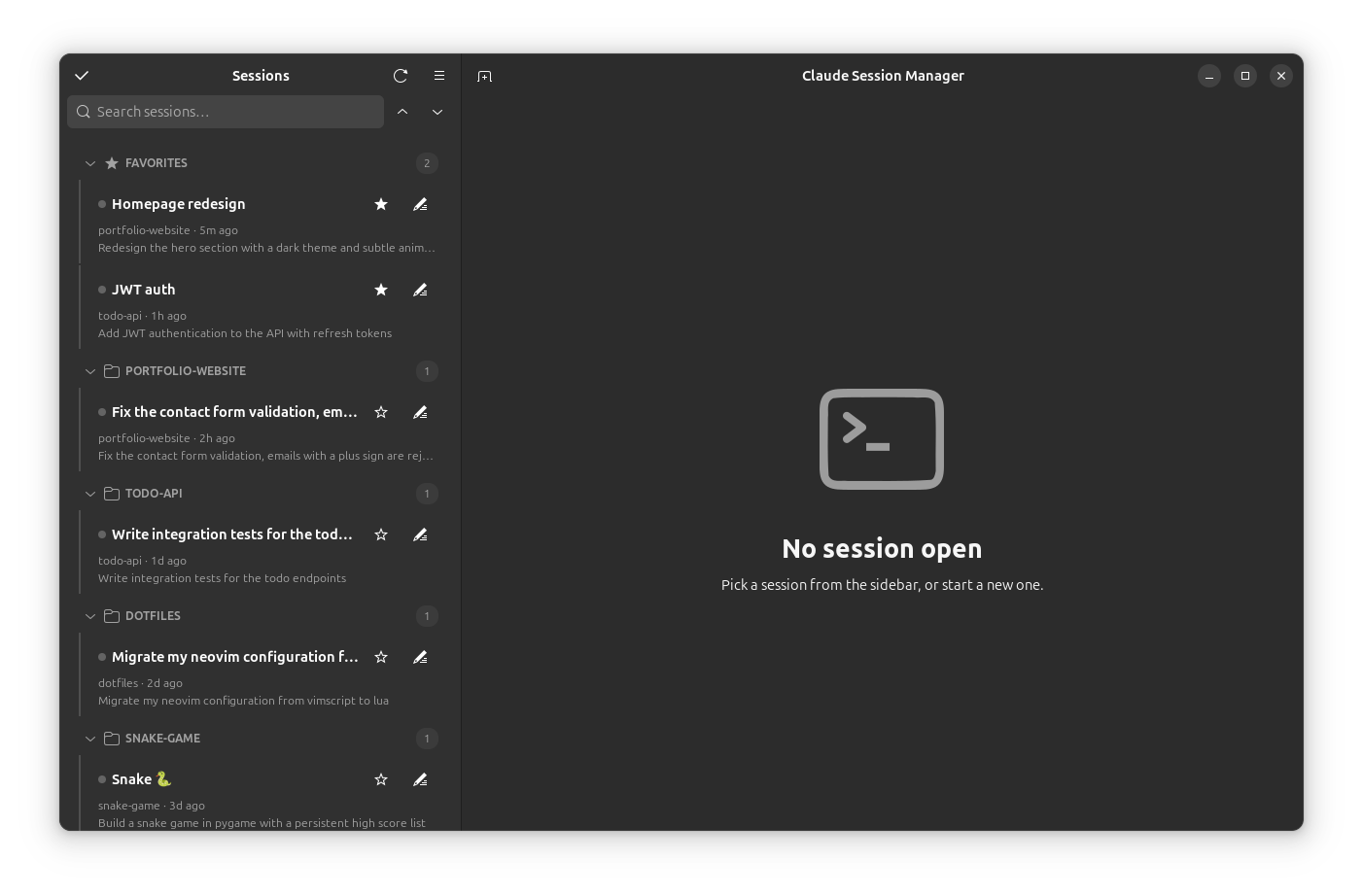
If you use a coding agent daily, you accumulate dozens of sessions scattered across every project you touch. They live as JSONL transcripts named by UUID (Claude Code, for instance, stores them under ~/.claude/projects/) — there's no overview, no way to name them, and no quick way to tell which one was which. The agent's own --resume only shows a picker for the current directory.
This app fixes that. It scans every session on your machine, presents them in a searchable sidebar grouped by project, lets you name and star the ones that matter, and opens any of them in an embedded terminal tab that resumes it right where the session started.
Unofficial community tool
Agent Session Manager is an independent community project, not affiliated with or endorsed by any agent vendor (including Anthropic). It is strictly read-only with respect to your agents' data — names, favorites, and all app state live in ~/.config/agent-session-manager/. Your transcripts are never modified.
Why use it?
- One place for everything. Every session, every project, newest first — instead of UUID-named files and per-directory pickers.
- Human-readable. Rename
a3b2152e…to “JWT auth”, star your daily drivers, add an emoji to a tab. - Work in parallel. Open several sessions as tabs. Status dots and desktop notifications tell you when a background session has finished.
- Stay oriented. Search the sidebar, search a terminal's scrollback, and peek at a session's recent messages before resuming it.
How it compares
Coding agents are terminal programs, and you can absolutely keep using them bare. Agent Session Manager is a layer on top — it doesn't replace the CLI, it launches and organizes it:
Bare --resume | Agent Session Manager | |
|---|---|---|
| See all sessions across projects | ❌ | ✅ |
| Custom names & favorites | ❌ | ✅ |
| Multiple sessions side by side | Manual terminals | ✅ Tabs |
| "Which session was this?" | Read the UUID | ✅ Preview, details, peek |
| Finished-in-the-background alerts | ❌ | ✅ Notifications |
What's next?
Head to Getting Started to install it, or browse the full Features.